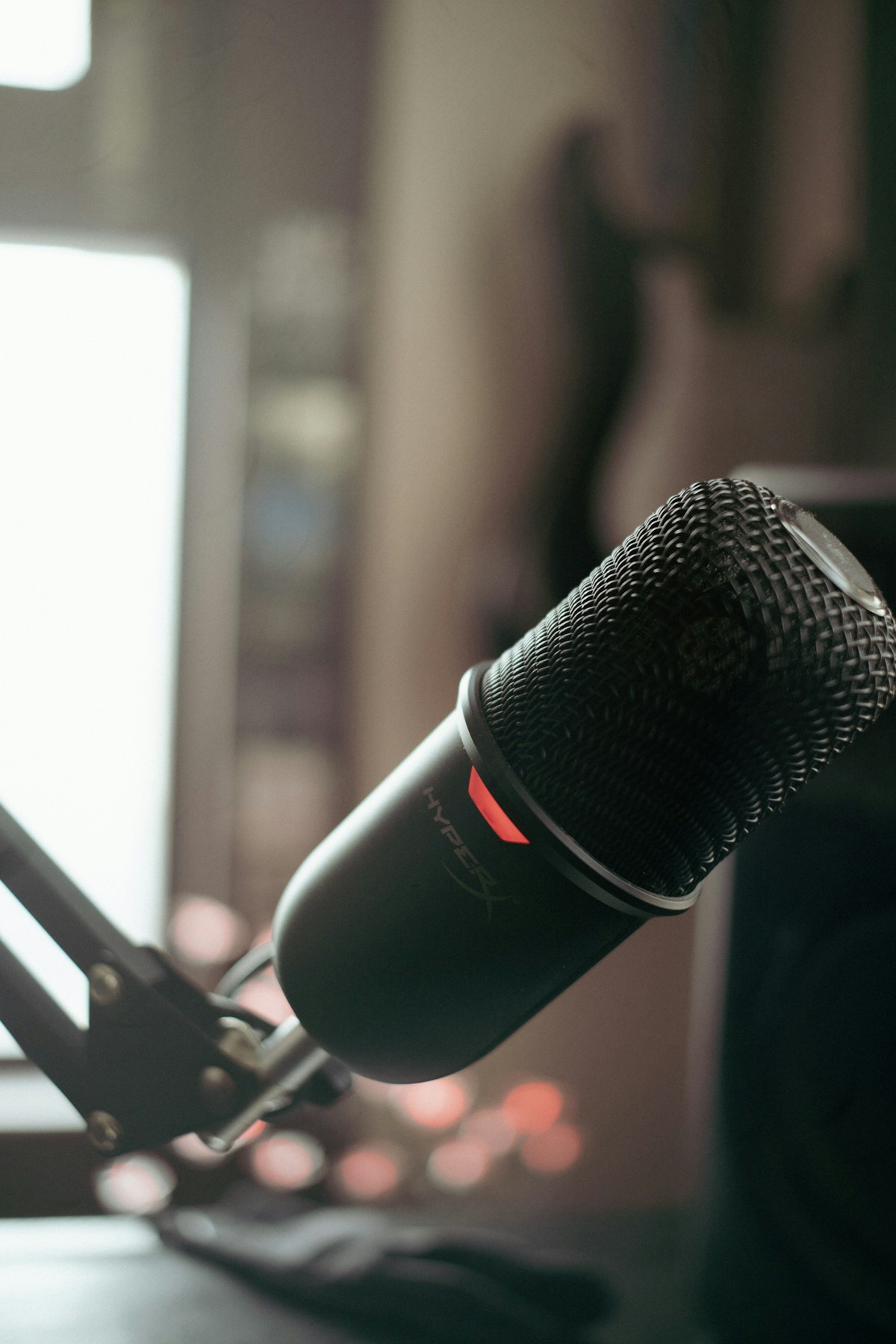
Photo of a setup with a microphone arm. The arm shown is not necessarily included in the offer. This is not Jess’s setup.
Gaming · Microphone
Not tested by JessHyperX SoloCast
A desktop USB microphone with a touch control to mute the sound.
Linked model: SoloCast USB.
- USB connection
- Cardioid pickup pattern
- Touch-to-mute control
Affiliate link · Check the model and options on Amazon.ca.
Affiliate links: JessDeals may earn a commission on qualifying purchases at no additional cost to you. As an Amazon Associate I earn from qualifying purchases.
See photos and details at the source ↗Compatibility and setup
Details that change the choice
- Connection
- USB microphone with a cardioid pickup pattern. Select it as the audio input in your app, then make a short recording before the first call.
- What to prepare
- Keep your headphones or speakers for listening. Choose a boom arm after checking its mount and available space; it is not automatically necessary.
- Avoid mix-ups
- This page covers the original SoloCast, not SoloCast 2. Do not transfer accessory or setting assumptions between generations.
Separate microphone or headset?
A separate microphone lets you choose listening equipment independently and needs desk space. The wired Cloud III combines listening and a microphone. If your current headset is sufficient, test its positioning before adding hardware.
Guidance based on manufacturer documentation checked on October 5, 2026. Also verify the variant being sold. Manufacturer documentation ↗
The right use
Who it is for
An option for calls and livestreams when you want a microphone separate from your headset.
Limitations to consider
Who should consider another option
Plan a spot close to you and check mount compatibility if you add a boom arm.
Editorial selection · Not tested by Jess · Feature sources are listed below.
View the specification source ↗