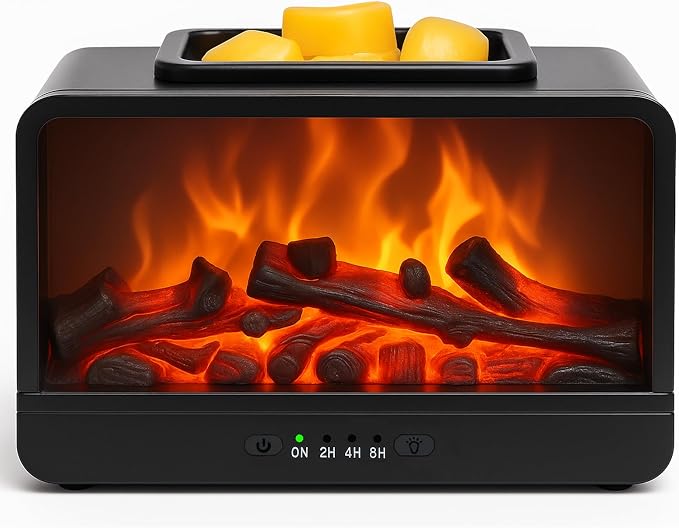
MeplLivs — flame-effect wax warmer (black)
A black electric wax warmer with a glowing fireplace design, for scented wax melts.
Not tested by JessShop by category
Storage, networking, webcams and connectivity to organize a workspace suited to your computer.
A black electric wax warmer with a glowing fireplace design, for scented wax melts.
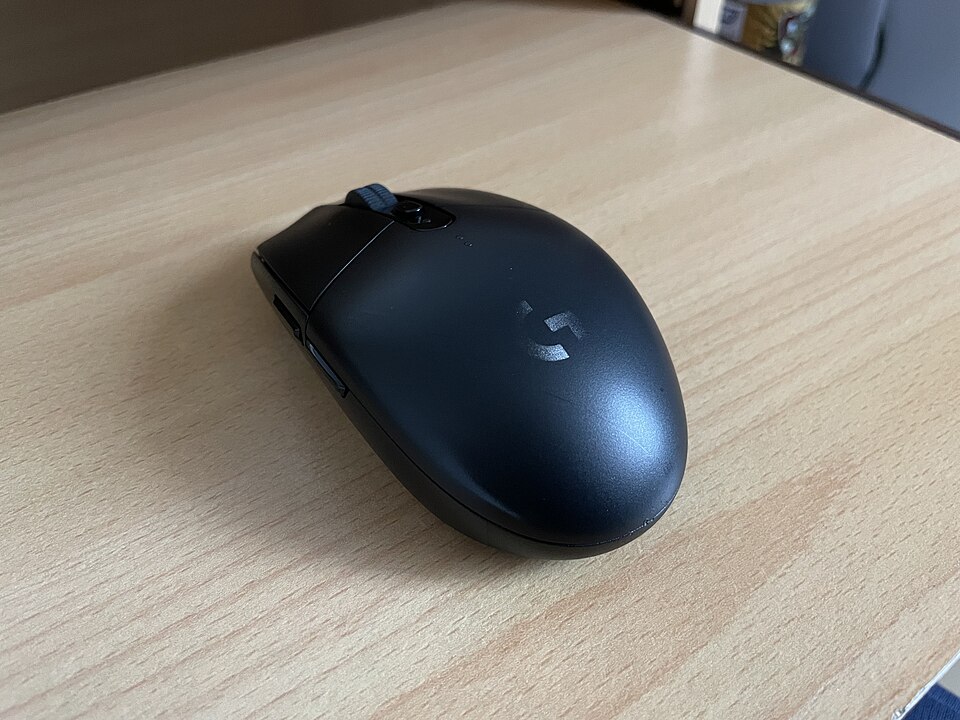
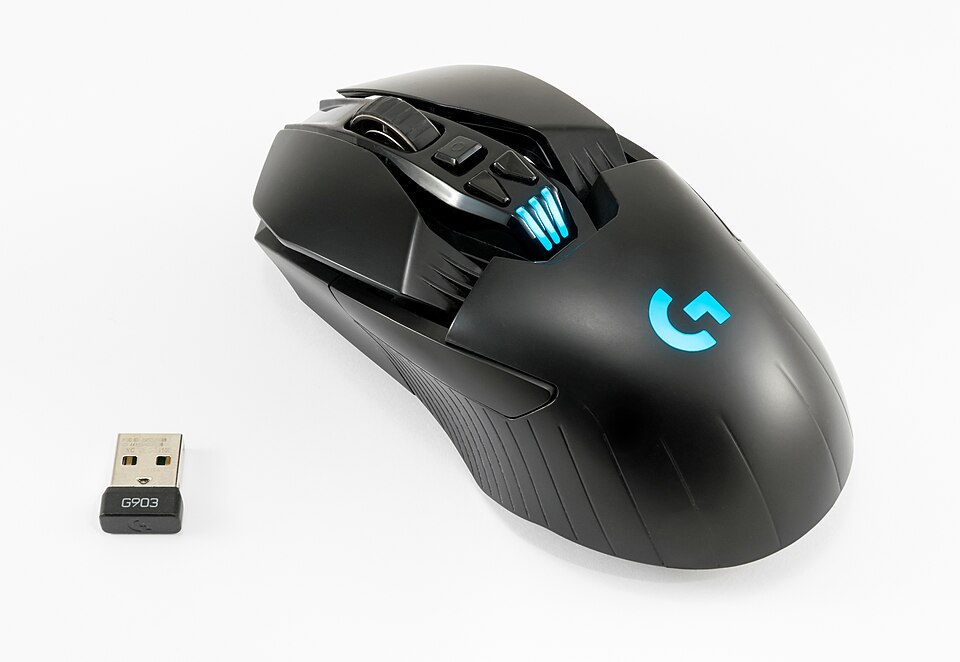
Not tested by JessA wireless mouse with a USB receiver, for free movement across your desk.
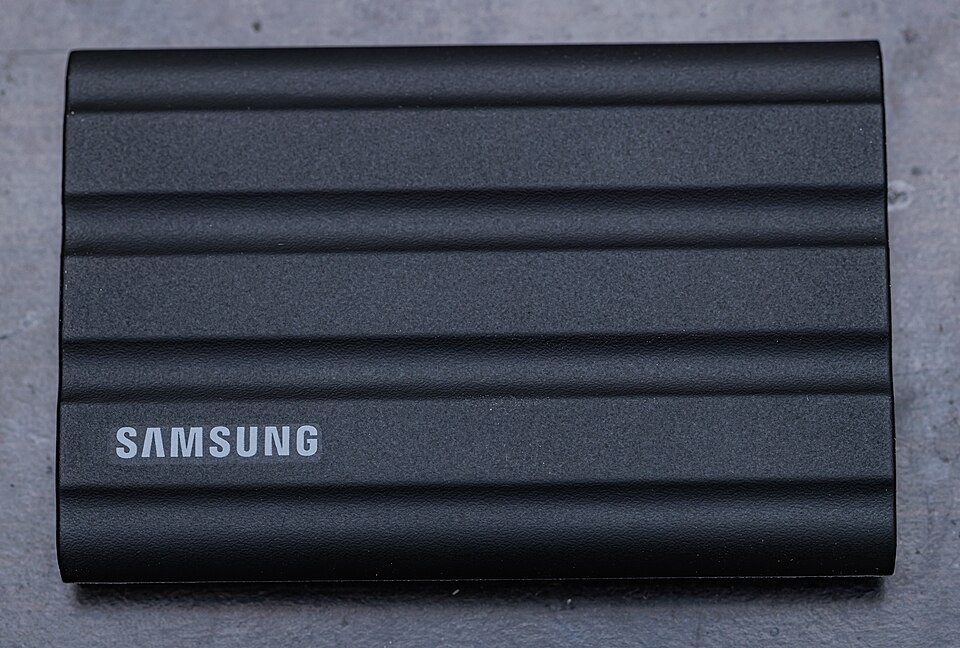
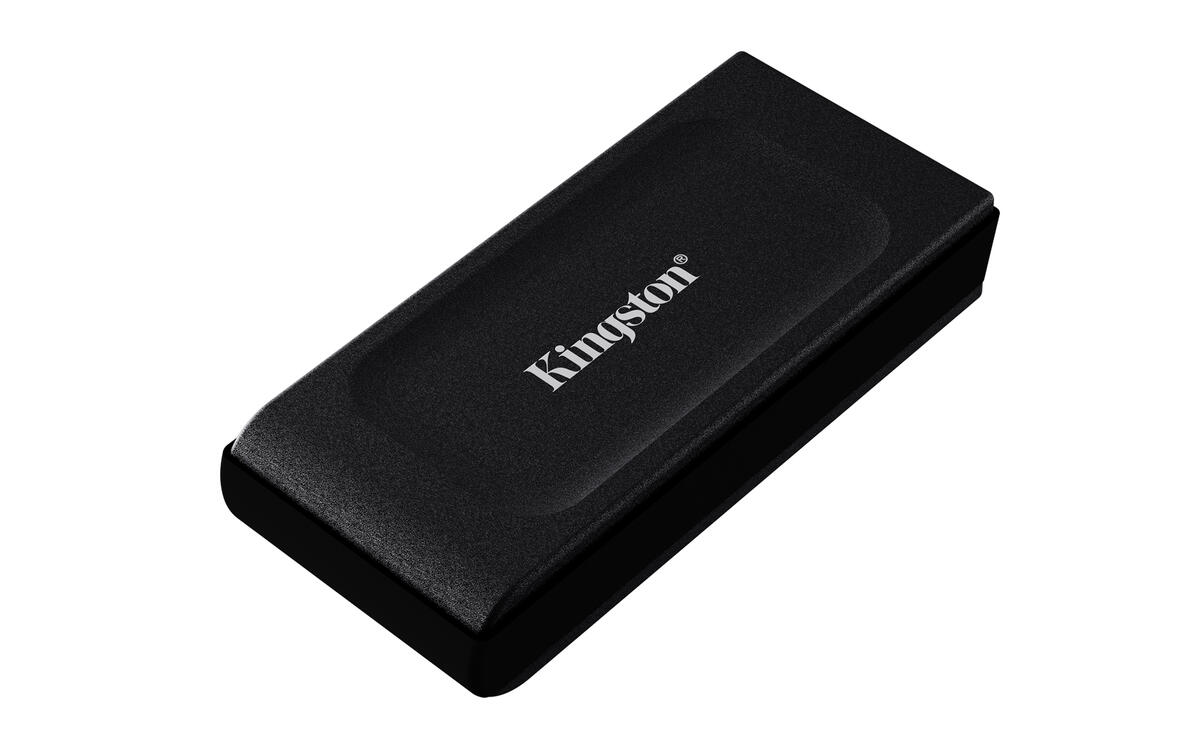
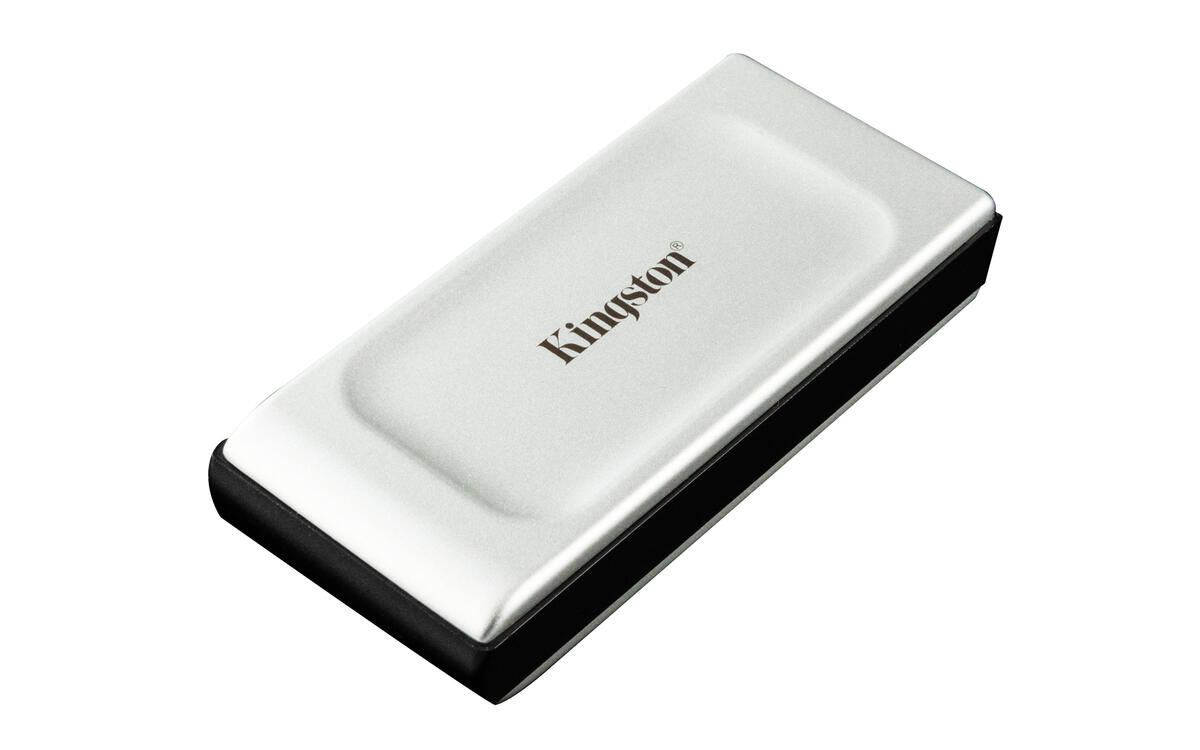
Not tested by JessA 2 TB external SSD for moving files between compatible computers without opening the computer.
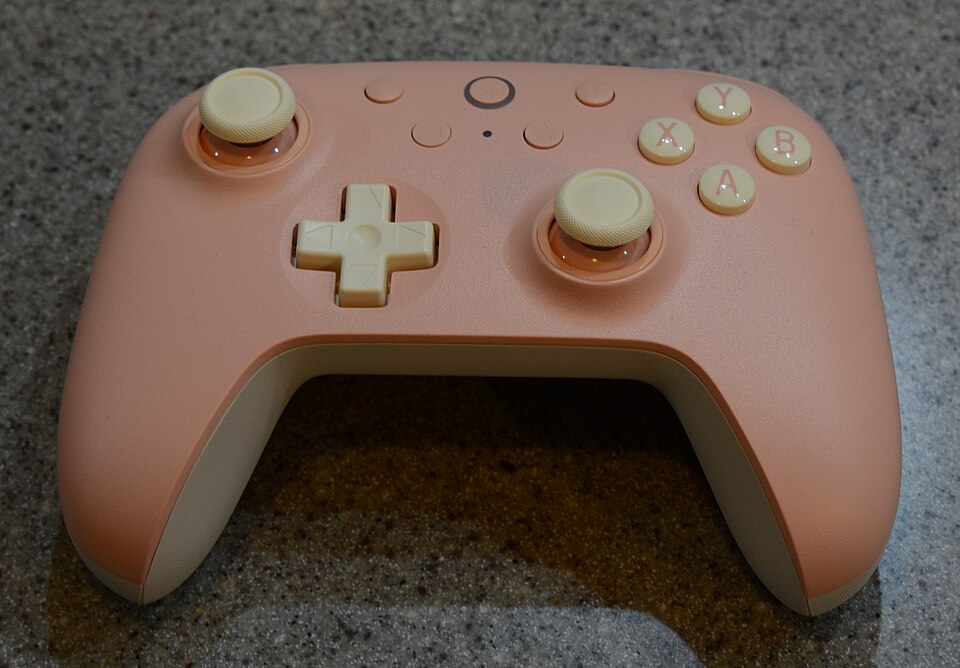
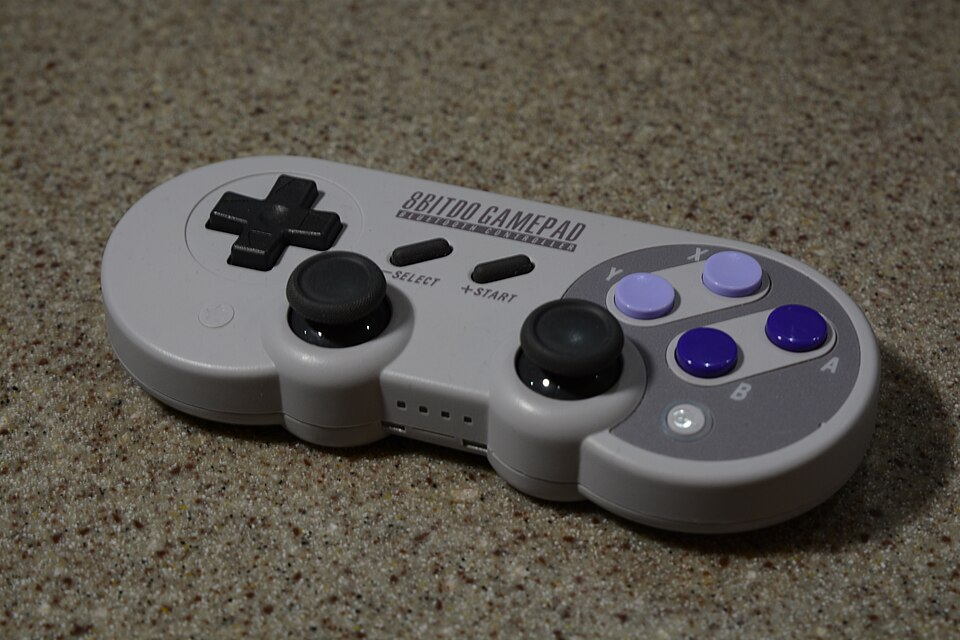
Not tested by JessA controller for Windows and Android with additional remappable controls.
Not tested by JessA floating fetch ball to choose according to your dog’s size and launcher.
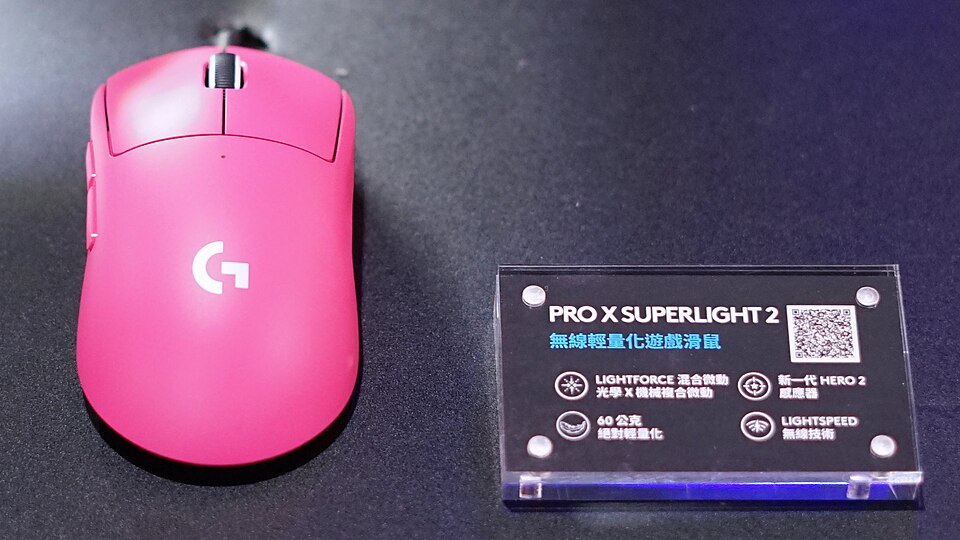
Not tested by JessA light mouse for a wireless gaming setup; grip remains the deciding factor.
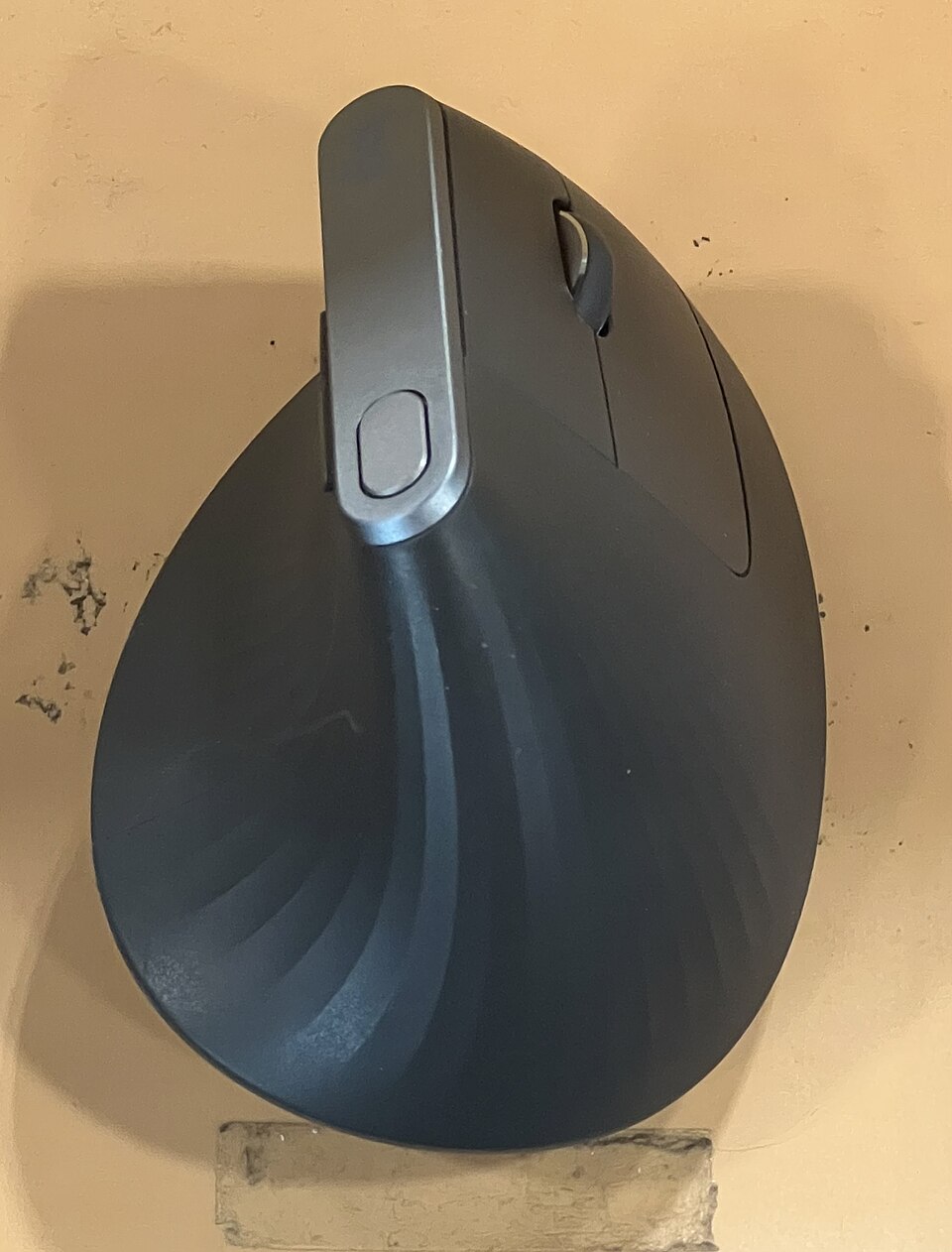
Not tested by JessA vertical mouse for trying a different hand position at your desk.
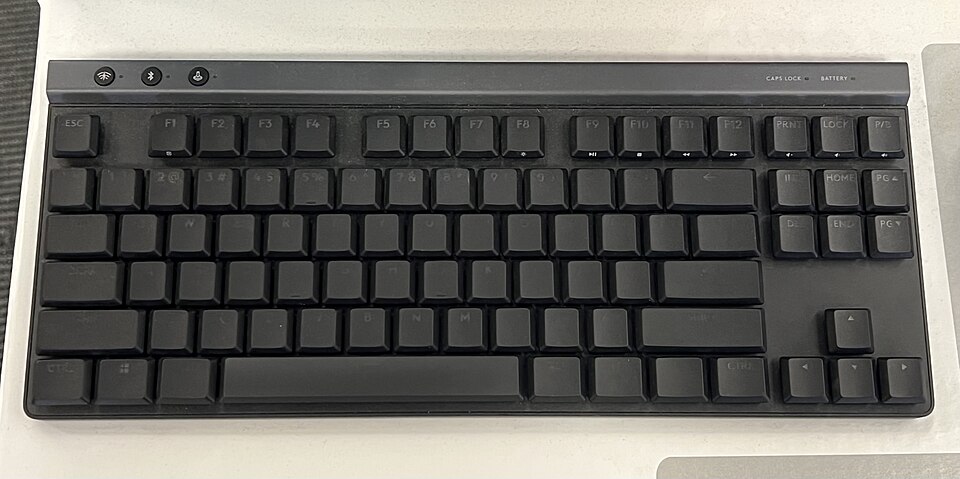
Not tested by JessA low-profile keyboard without a number pad to free space beside your mouse.
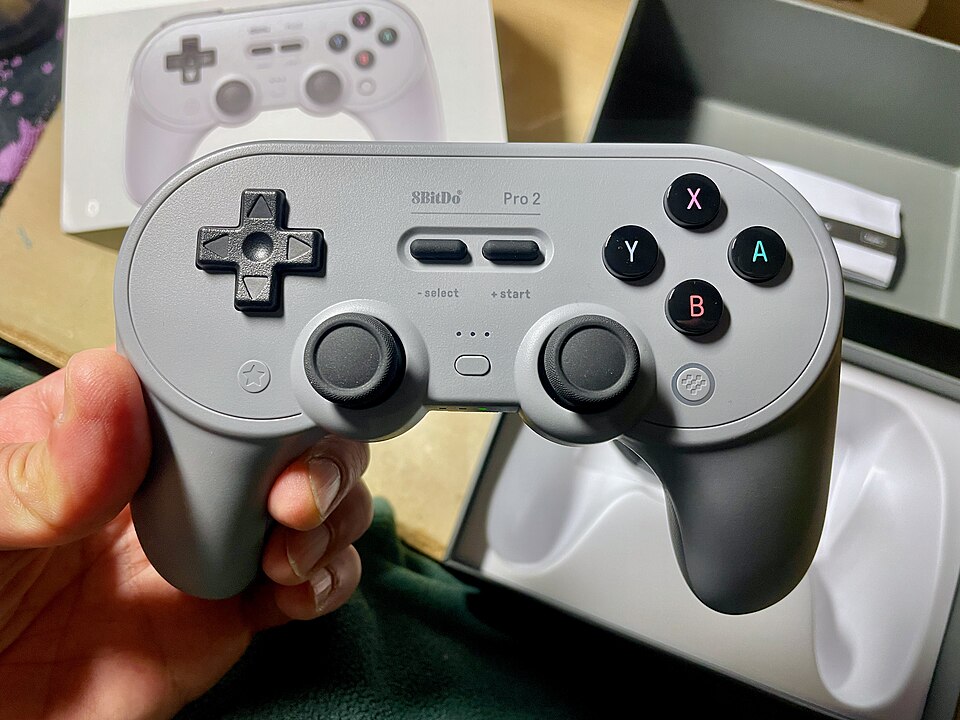
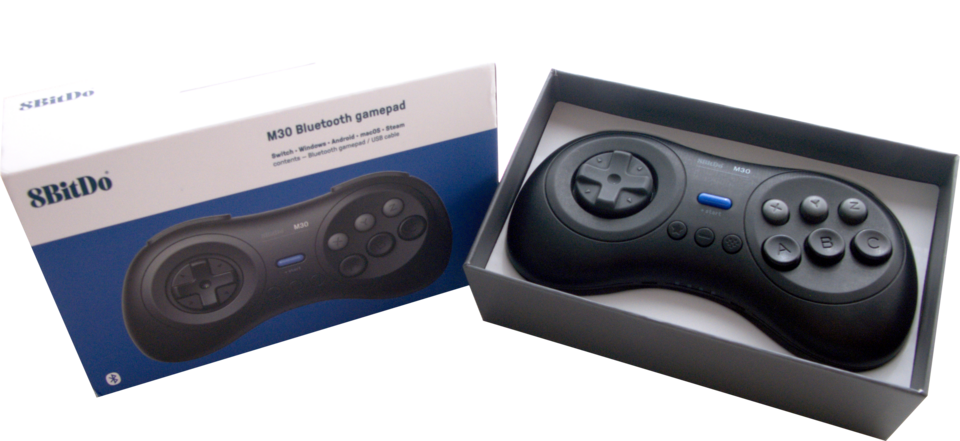
Not tested by JessA Bluetooth controller with rear buttons for switching between game styles.
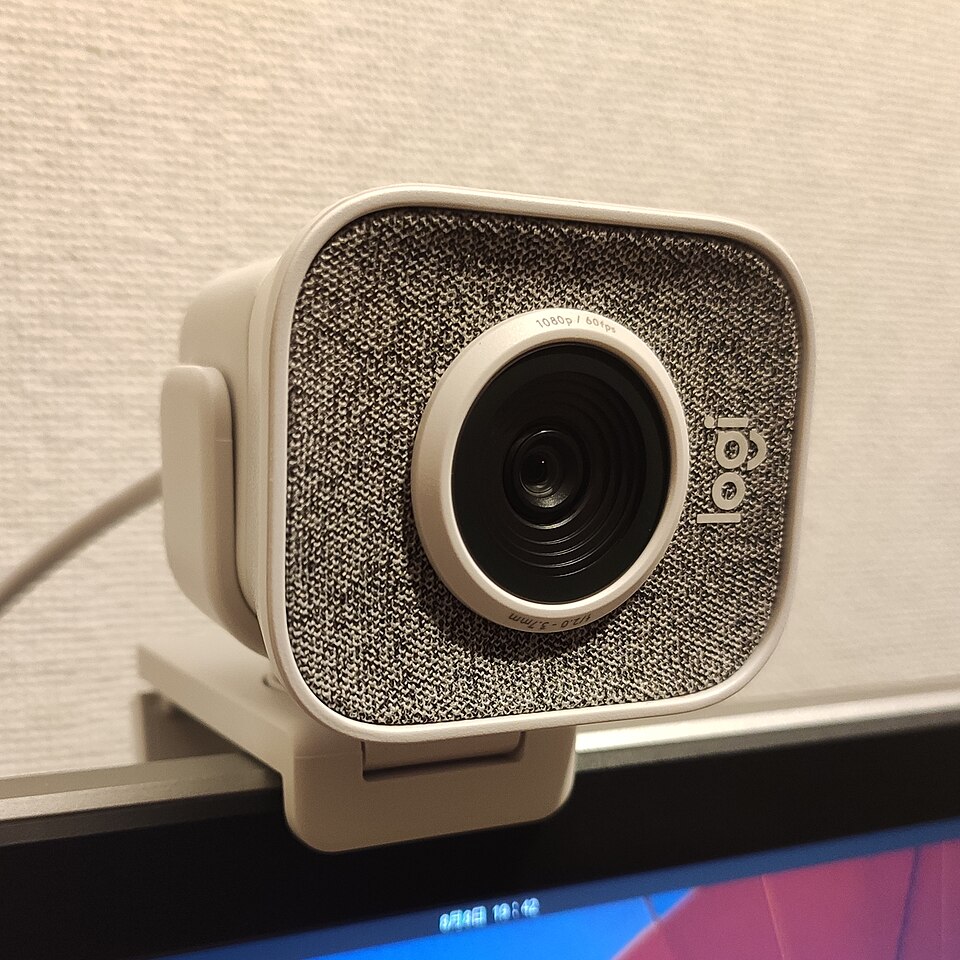
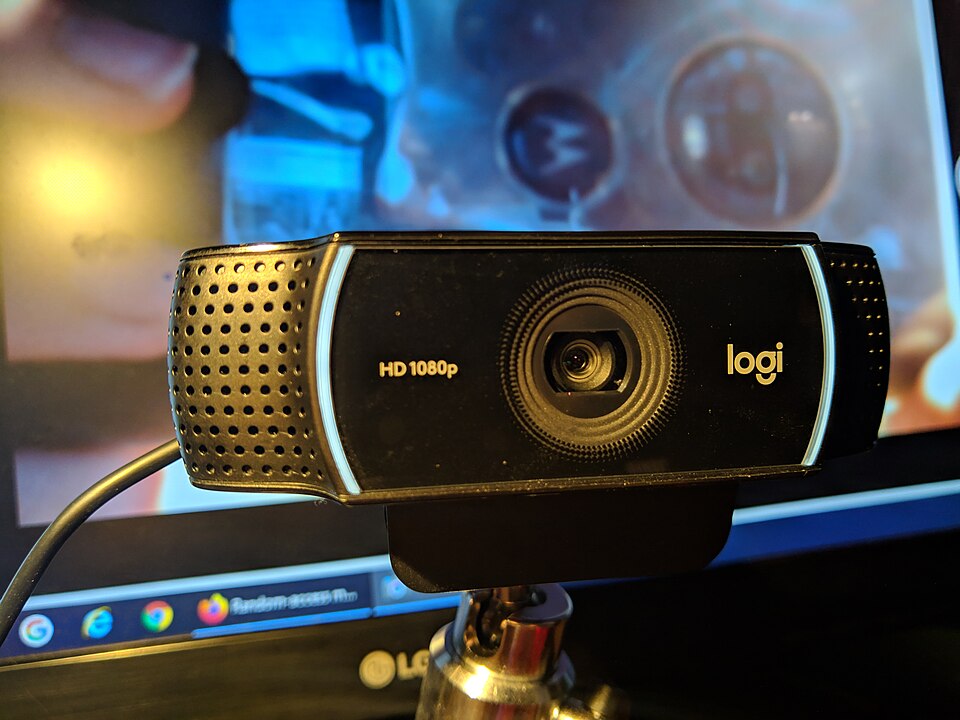
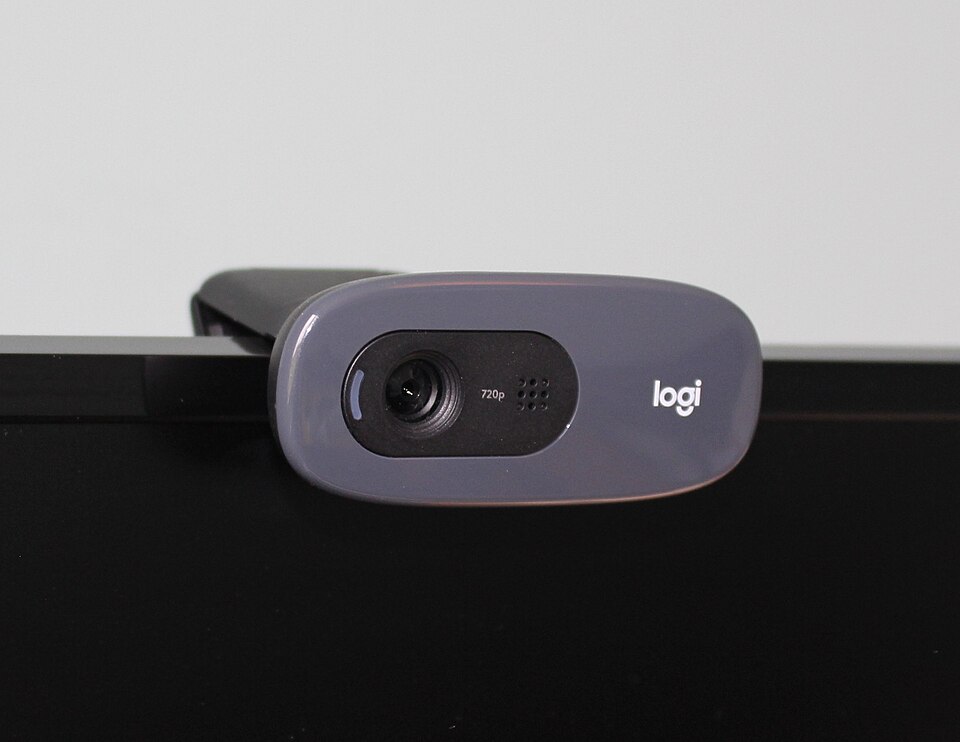
Not tested by JessA 720p USB webcam for framing calls from your monitor, with a built-in microphone.
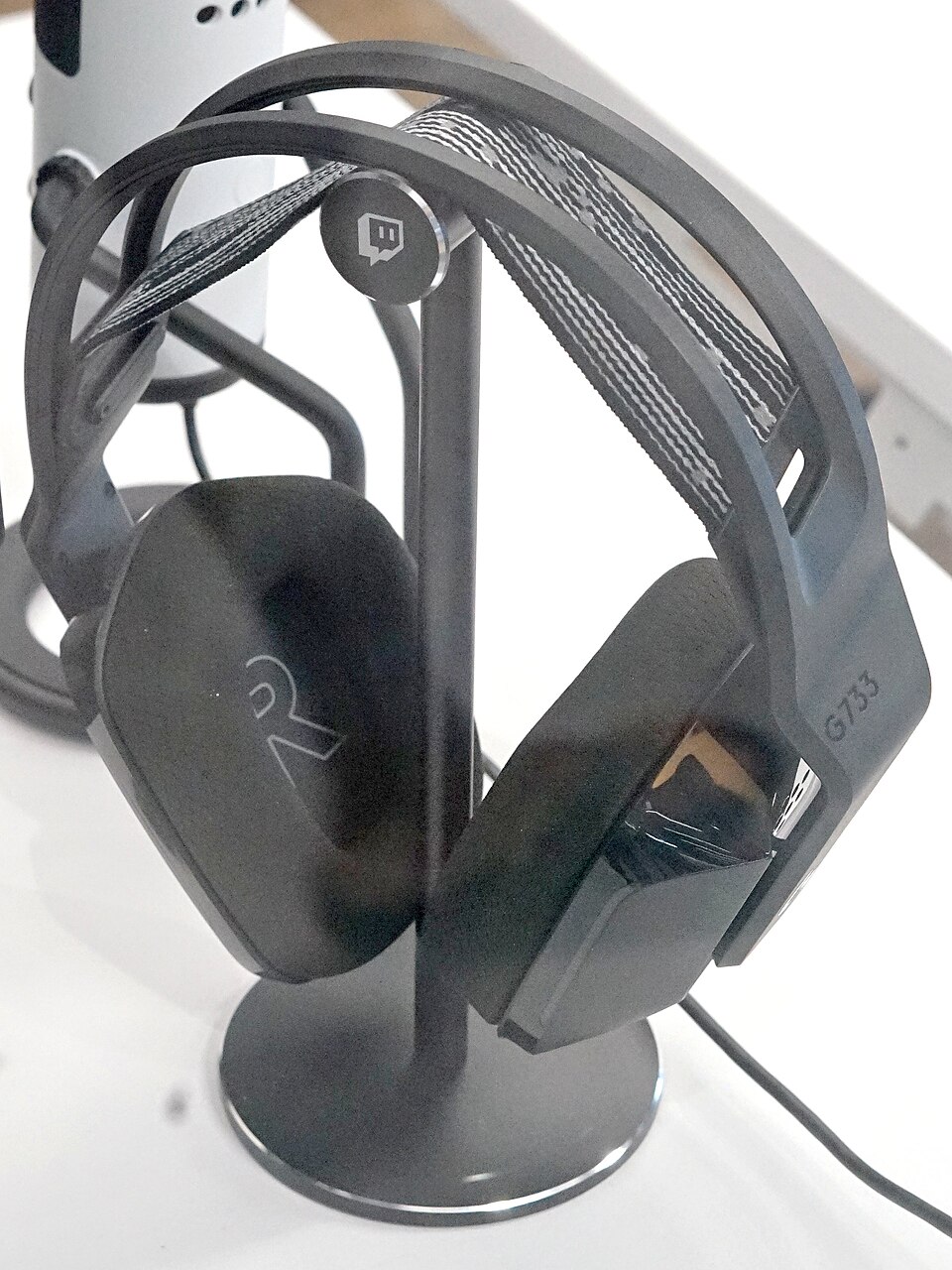
Not tested by JessA wireless headset with a USB receiver to bring voice and game audio together.
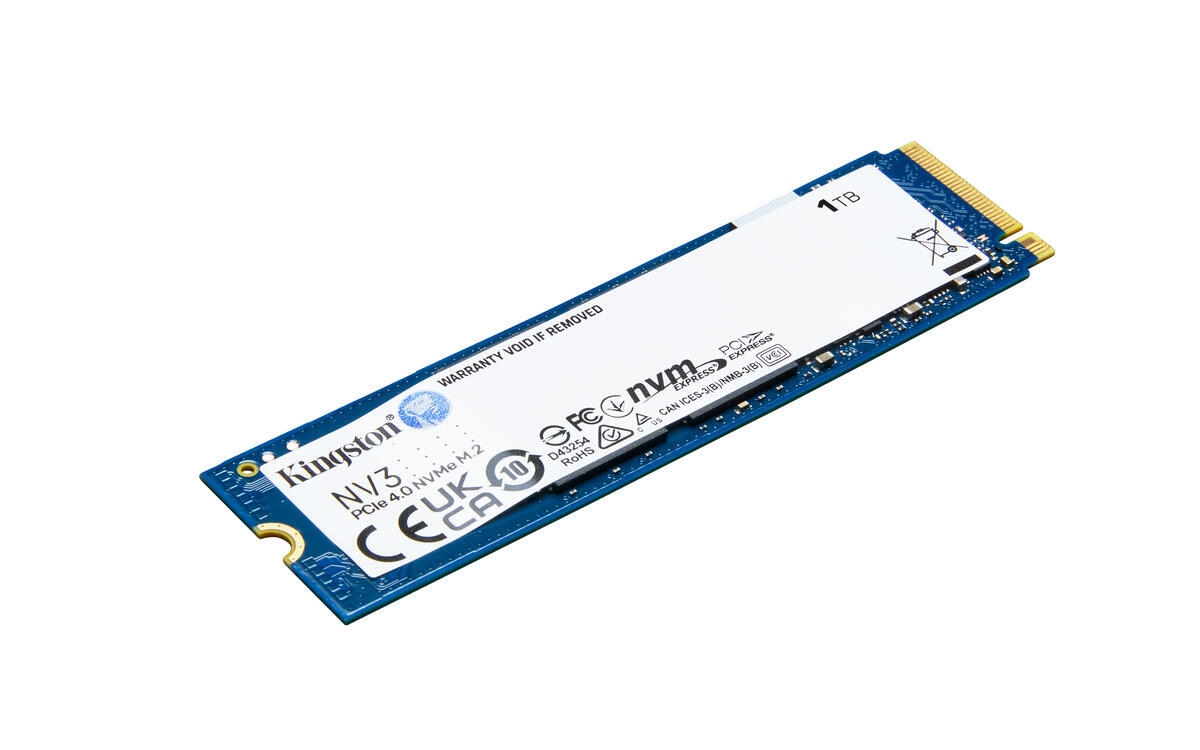
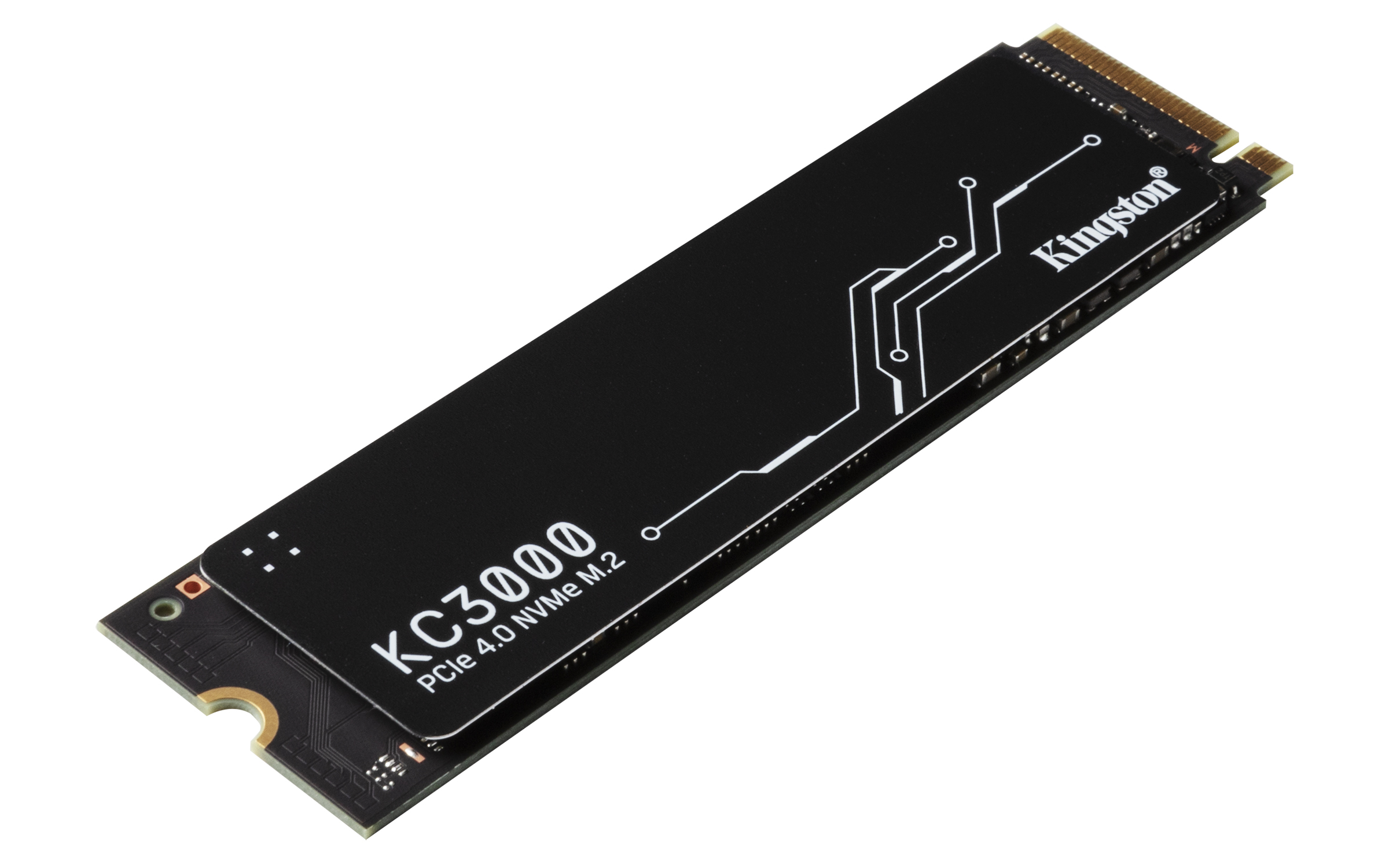
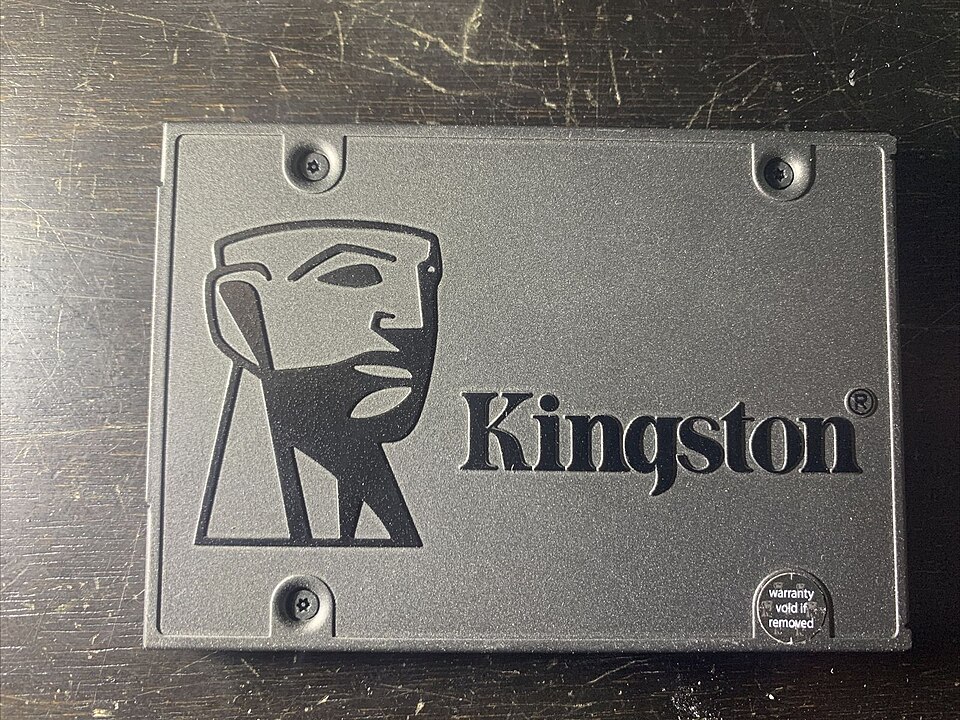
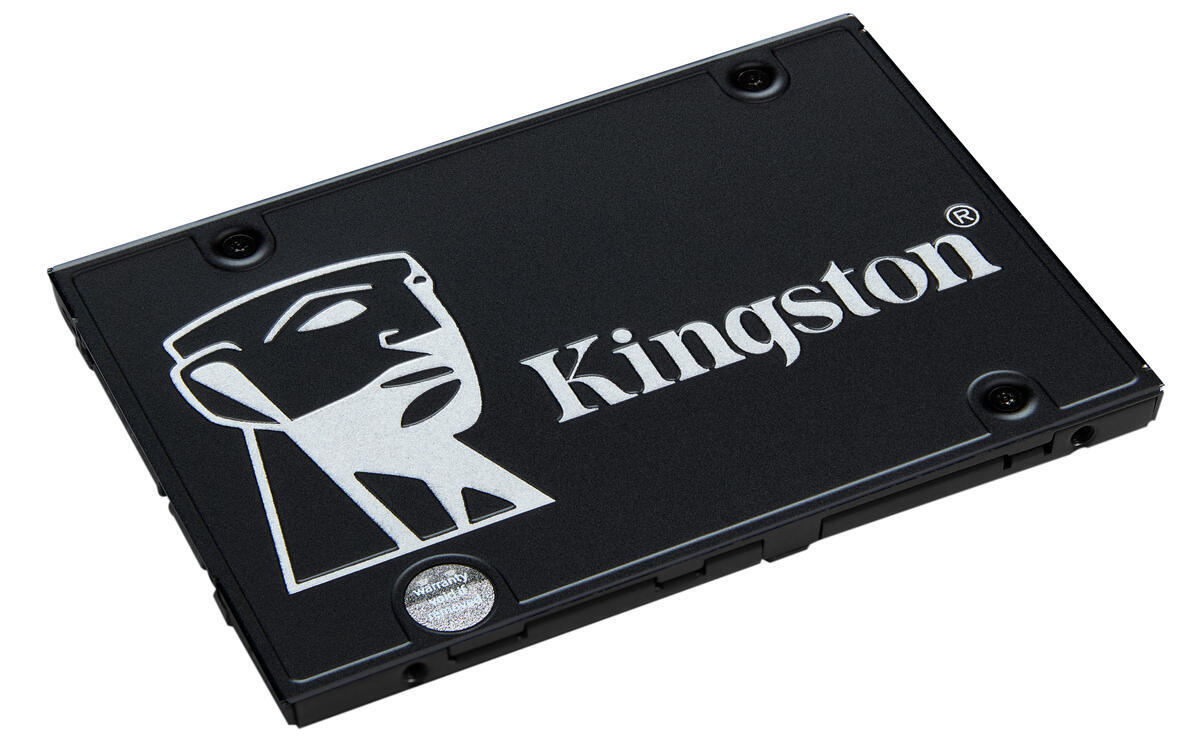
Not tested by JessA 2.5-inch internal SATA SSD to consider for a computer with a compatible drive bay.
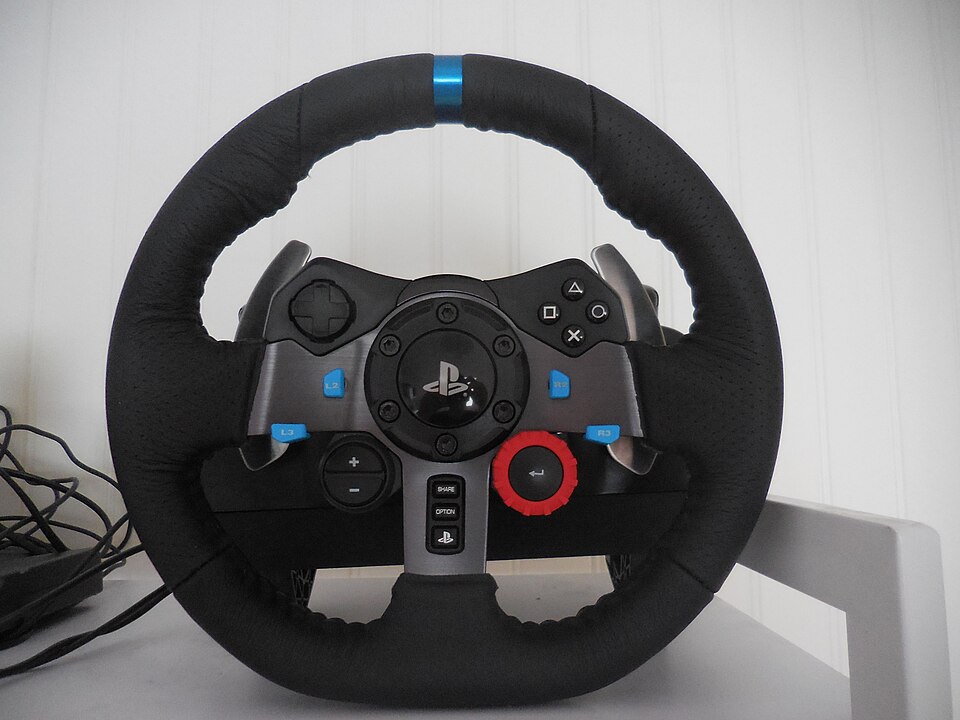
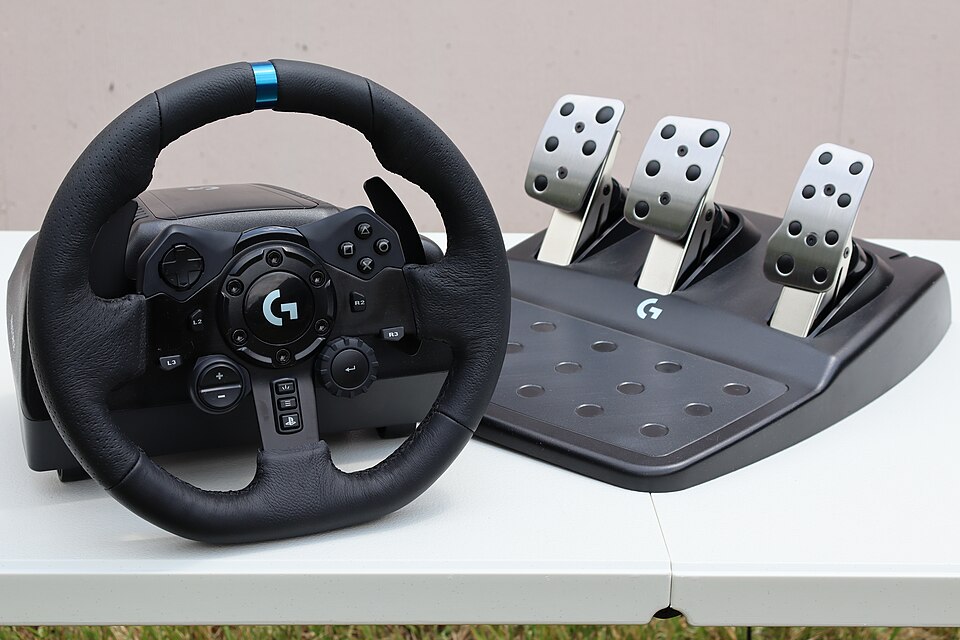
Not tested by JessA wheel and pedal set for a racing space on a compatible PlayStation or PC.
Not tested by JessA wheel and pedals for building a dedicated racing-game setup.
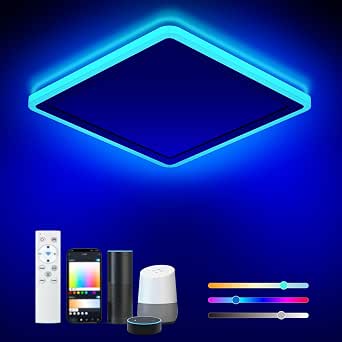
Not tested by JessWi-Fi LED ceiling light with RGB lighting and remote control.
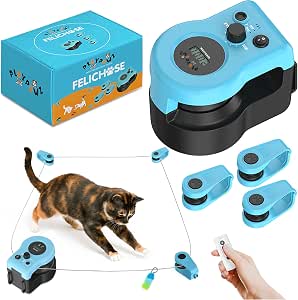
Purchased by JessRemote-controlled feather-on-a-cable toy for chasing games.
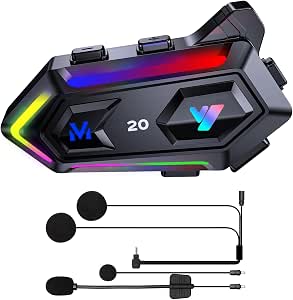
Purchased by JessSpeaker and microphone kit for a motorcycle helmet.
Purchased by JessTry another word or remove a filter. Use the heart on a product page to add favourites.
Affiliate links: JessDeals may earn a commission on qualifying purchases at no additional cost to you. As an Amazon Associate I earn from qualifying purchases.
Start with your needs: these guides and projects explain uses, limitations and checks before buying.
A simple check before buying: window, position, reflections and space around the screen.
Compare uses →Mice: two usesSUPERLIGHT 2 and MX Vertical: two shapes to consider for your movements, hand and desk.
Compare uses →Storage: choose the right formatCarrying files or replacing a drive: two projects to distinguish before choosing an SSD.
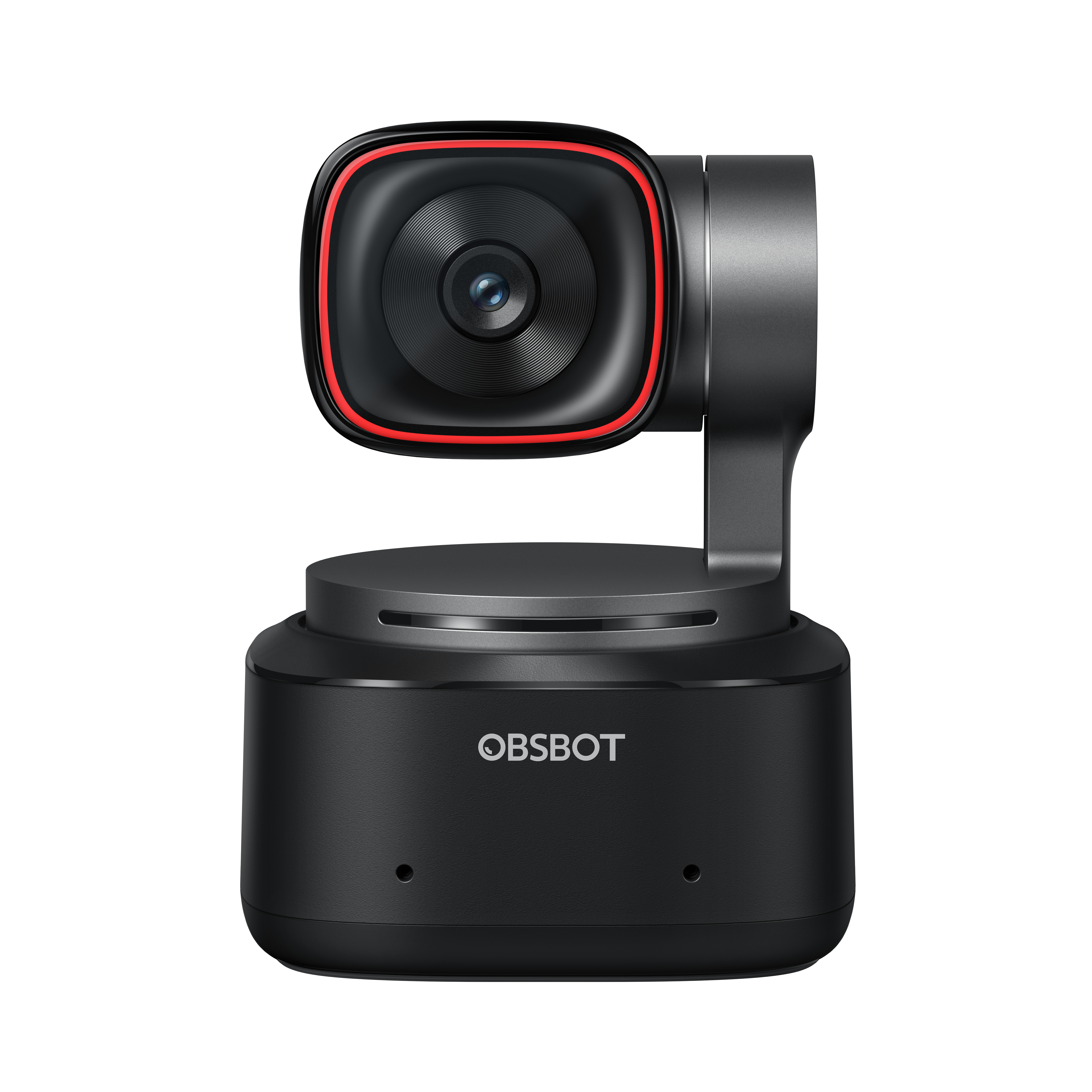
Compare uses →Video callsFraming, lighting, mounting and privacy: useful checks before replacing your camera.
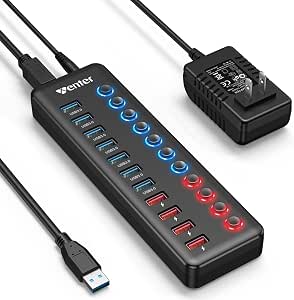
Compare uses →ConnectivityThree different needs to help you avoid buying a hub that solves the wrong problem.
Compare uses →A missing port, a video call or accessories to connect: start with the specific problem before adding equipment.
Explore this project →Carrying files and keeping a backup are two needs to distinguish before choosing a drive.
Explore this project →Keyboard, mouse and connections: keep room to work before adding accessories.
Explore this project →Framing, lighting and positioning: identify what affects your calls before replacing the camera.
Explore this project →