Gaming · PC
Plan my connections
Ports, display, network and charging: prepare a checklist for your computer before choosing an accessory.
This tool helps you prepare; it does not detect your hardware or certify compatibility. Confirm the system, ports, cables and variant in the manufacturer’s documentation.
Your connection plan
Your answers
Before ordering
Checked boxes remain on this page only. Print the checklist to keep them; the link shares answers, not checked boxes.
Product pages to examine
These models represent connection options. They are not a basket to buy together: the two SSDs are alternatives, and the same hub may address several needs.
Anker 555 USB-C Hub
A USB-C hub for connecting a display, network and accessories to a laptop.
Not tested by Jess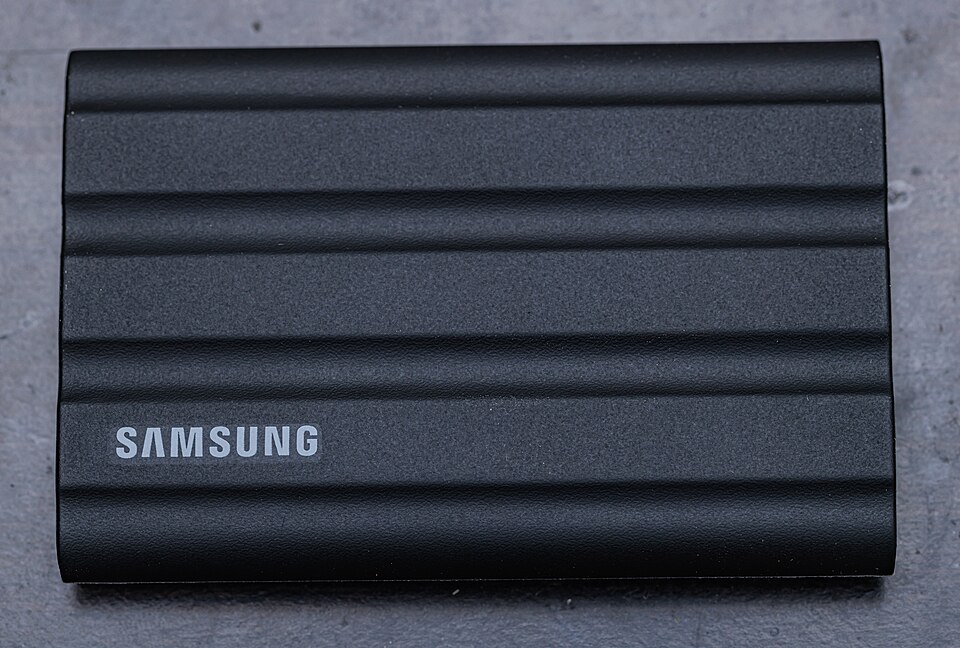
Samsung T7 Shield 2 TB
A 2 TB external SSD for moving files between compatible computers without opening the computer.
Not tested by Jess
A method in three steps
01
Identify the port
Photograph the sides of your computer for your own reference, then open its manual. Note the functions of the port you want to use; do not infer them only from a logo.
02
List the entire connection chain
Computer, adapter or hub, cable, device: every part matters. For a display, add resolution and refresh rate; for charging, add required power.
03
Separate the need from the purchase
An accessory you already own may be enough. Avoid adding a hub, microphone or cable if your current setup already meets the need.