Black-and-white photo of the MX Keys Mini model. Check the colour and keyboard layout with the seller.
PC / Computers · Keyboard
Not tested by JessLogitech MX Keys Mini
A compact wireless backlit keyboard.
Affiliate link · Opens an Amazon.ca search: check the exact model in the results.
Affiliate links: JessDeals may earn a commission on qualifying purchases at no additional cost to you. As an Amazon Associate I earn from qualifying purchases.
See photos and details at the source ↗Compatibility and setup
Details that change the choice
- Connection
- Bluetooth connection or compatible Logi Bolt receiver. Confirm which mode is allowed on your computer, especially at work.
- What to prepare
- Check whether a receiver is included in the exact offer. If you plan to add a separate number pad, measure both devices together.
- Avoid mix-ups
- The Mini format does not include a full-size keyboard’s number pad. The printed key layout must also match your habits.
Will the Mini really free up my desk?
It makes sense if you rarely use a number pad and want the mouse closer. If you enter numbers every day, compare the MX Keys S before adding a separate accessory.
Guidance based on manufacturer documentation checked on October 5, 2026. Also verify the variant being sold. Manufacturer documentation ↗
Other models of the same type
Compare before deciding
Here are other models in the same product family. Their inclusion is not a ranking or a guarantee of compatibility.
Not tested by Jess
Logitech G515 LIGHTSPEED TKL
A low-profile keyboard without a number pad to free space beside your mouse.
Compare these two models →Check connections, uses and limitations in the table. Then confirm the selected variant on Amazon.
Prepare your setup
Three useful checks
- Check printed characters and your preferred French layout on the variant being sold.
- Confirm connections supported by your computer and included accessories.
- Allow space for the mouse and a separate number pad if needed.
The right use
Who it is for
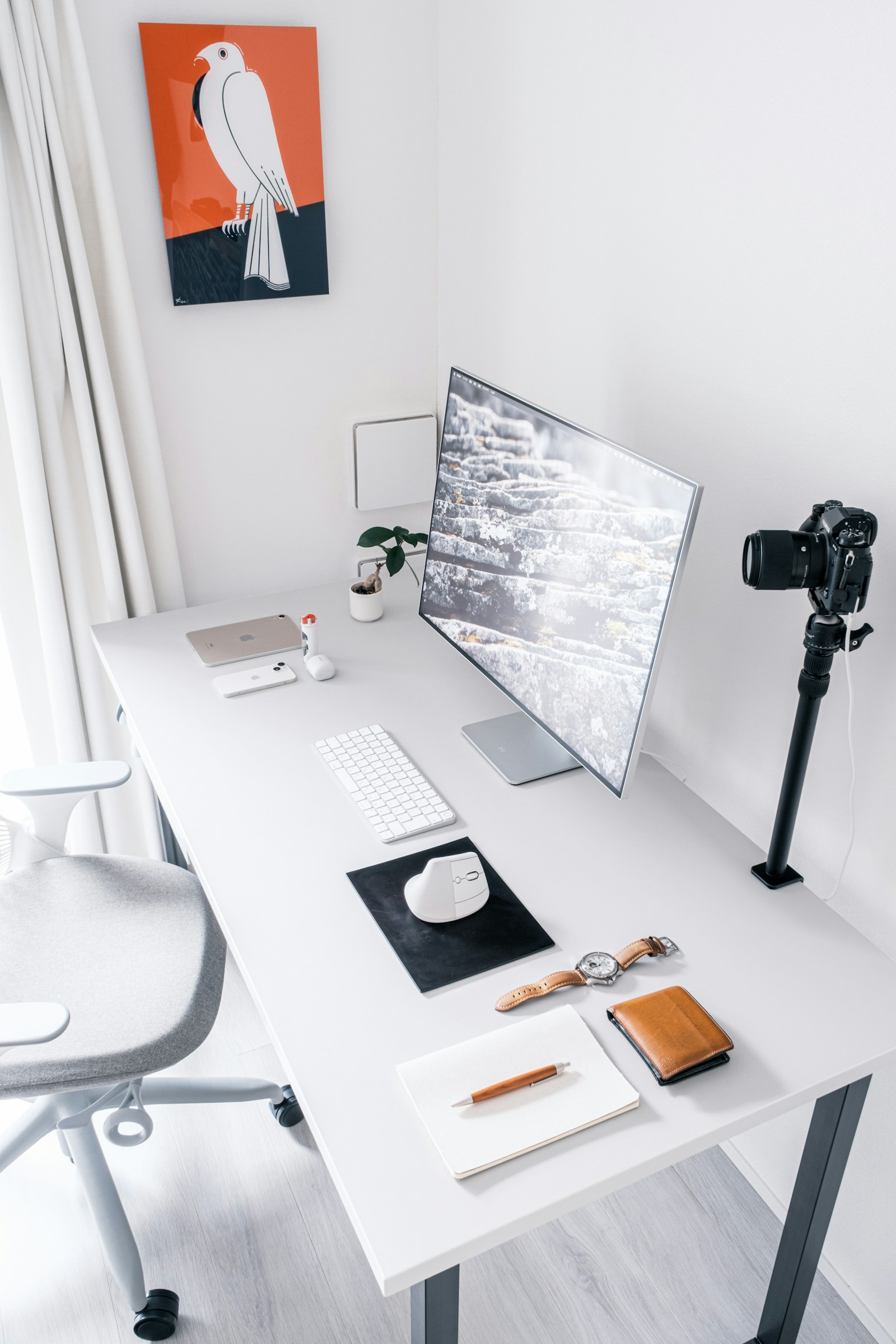
For a desk where every centimetre matters and tasks with little number entry. The compact layout lets you reconsider mouse and paperwork placement.
Limitations to consider
Who should consider another option
Less suitable if you use a number pad all day. Adding a separate pad also takes space: measure the whole setup before choosing the Mini layout.
Editorial selection · Not tested by Jess · Feature sources are listed below.
View the specification source ↗