Choose without getting lost
Which storage for your files?
Carrying files and adding a drive inside a PC are different needs.
First choose between an external drive and an internal installation. Keep multiple copies of important files regardless of the model.
Your three checks
- Will the drive stay inside the PC or travel with you?
- Are the connector, form factor and port compatible?
- Have you planned another copy of your important files?
An editorial comparison, without rankings or hands-on comparative testing. See each product page for sources and testing status.
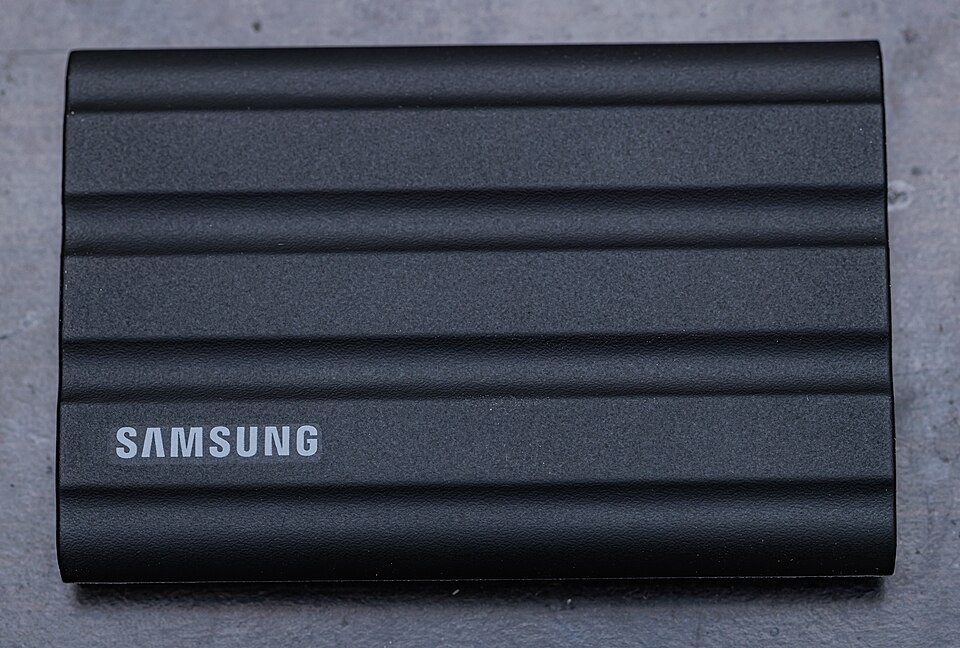 Not tested by Jess
Samsung T7 Shield 2 TB
Which use?
A 2 TB external SSD for moving files between compatible computers without opening the computer.
Confirm before buying
Performance depends on the port and cable. Check the selected capacity; an external drive alone is not a complete backup strategy.
View the product →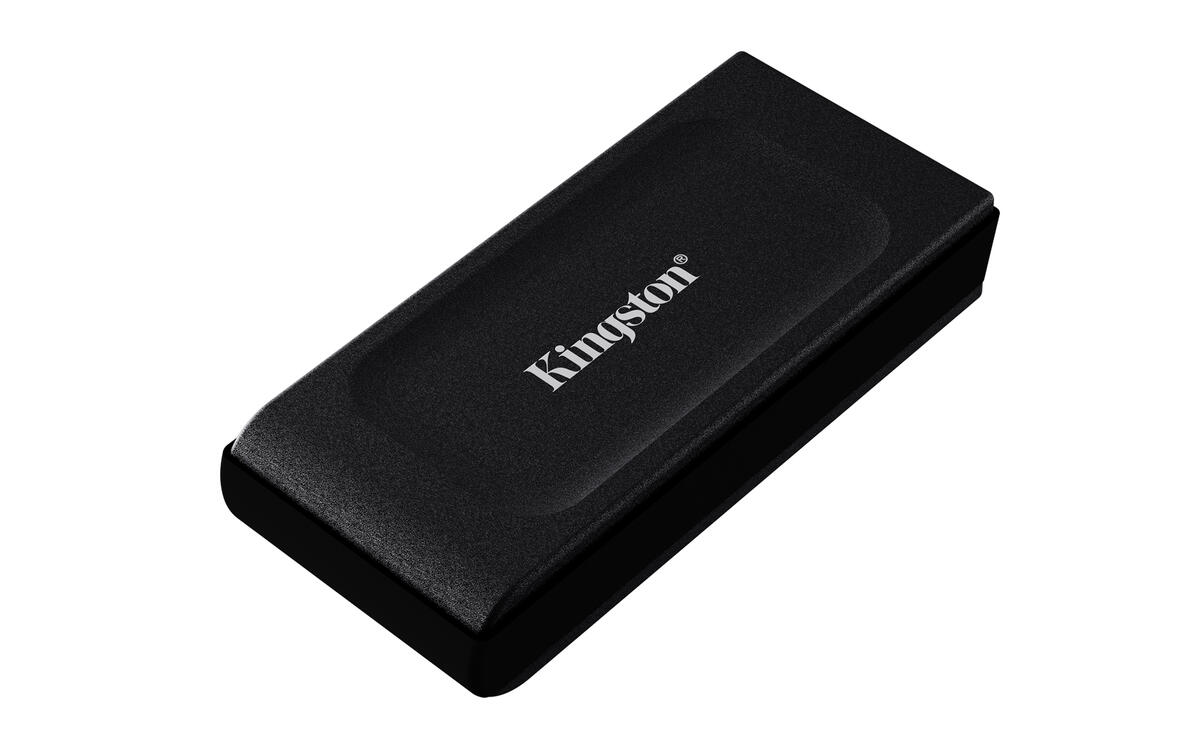 Not tested by Jess
Kingston XS1000
Which use?
A compact external USB 3.2 Gen 2 SSD.
Confirm before buying
A single external-drive copy does not protect against every type of loss. Confirm the exact model and included accessories in the Amazon listing.
View the product →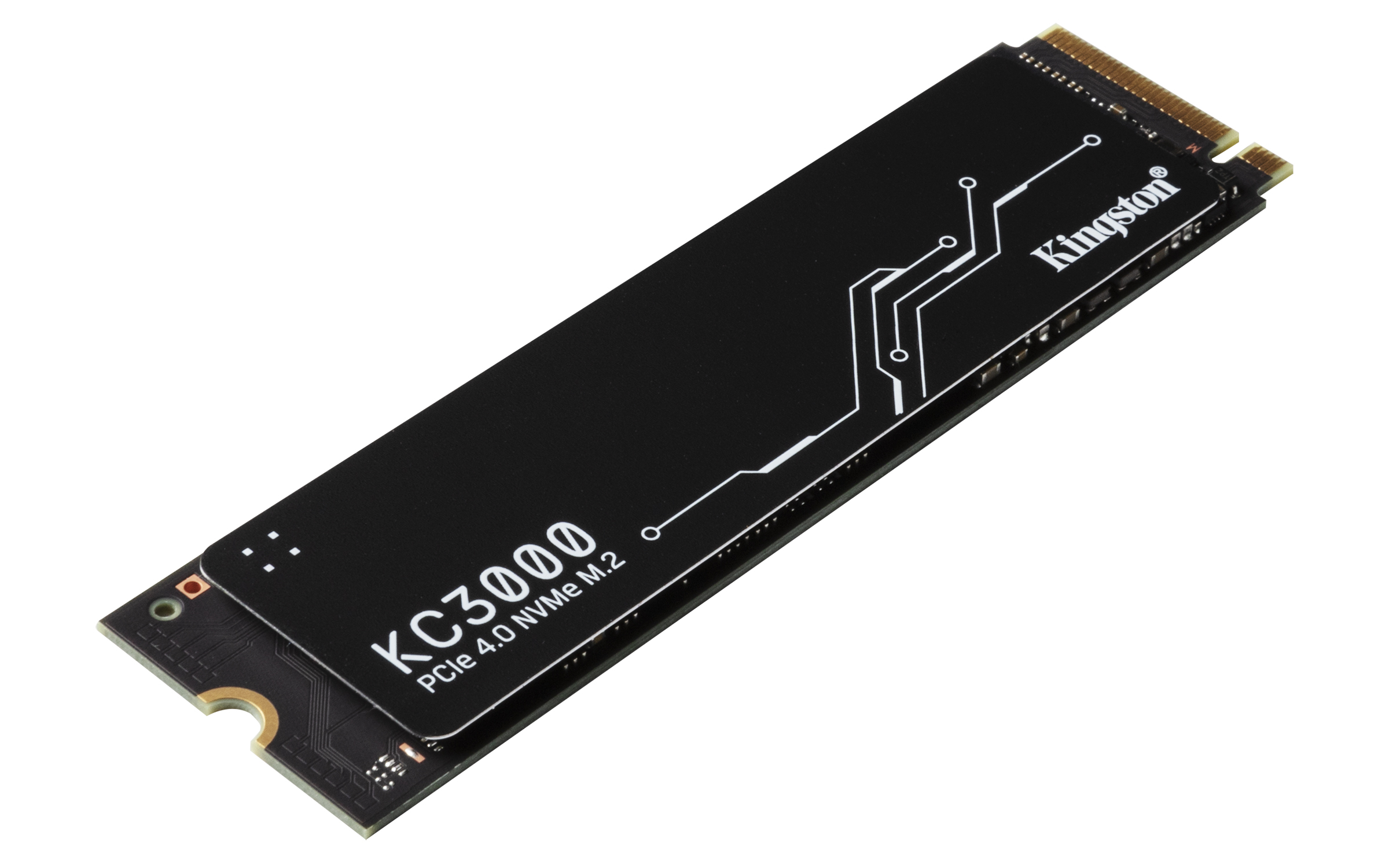 Not tested by Jess
Kingston KC3000
Which use?
An internal PCIe 4.0 NVMe SSD in the M.2 2280 form factor.
Confirm before buying
Installation requires a compatible slot; it does not connect directly to USB. Confirm the exact model and included accessories in the Amazon listing.
View the product →