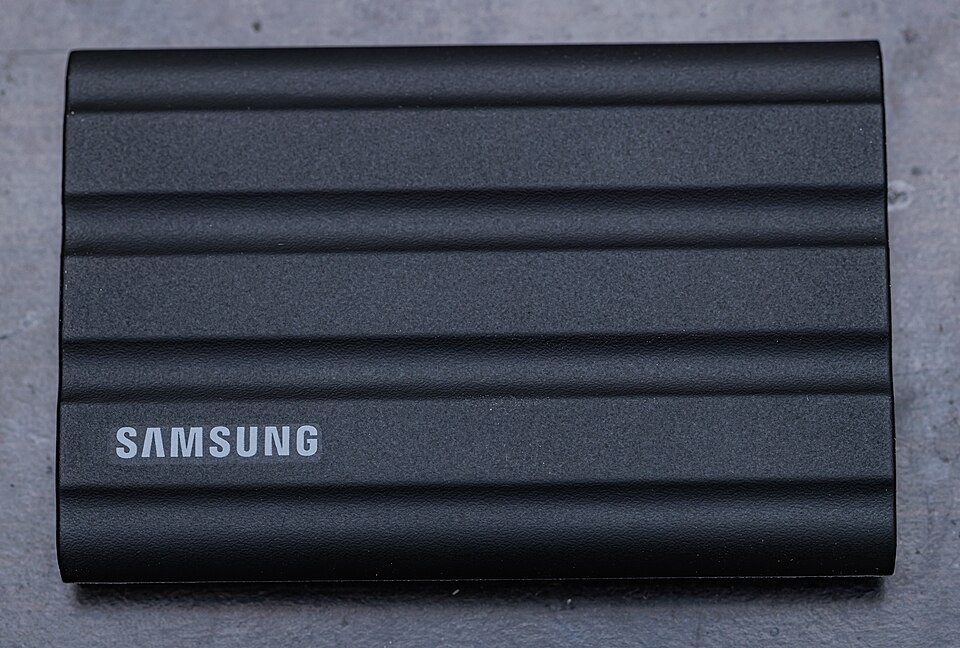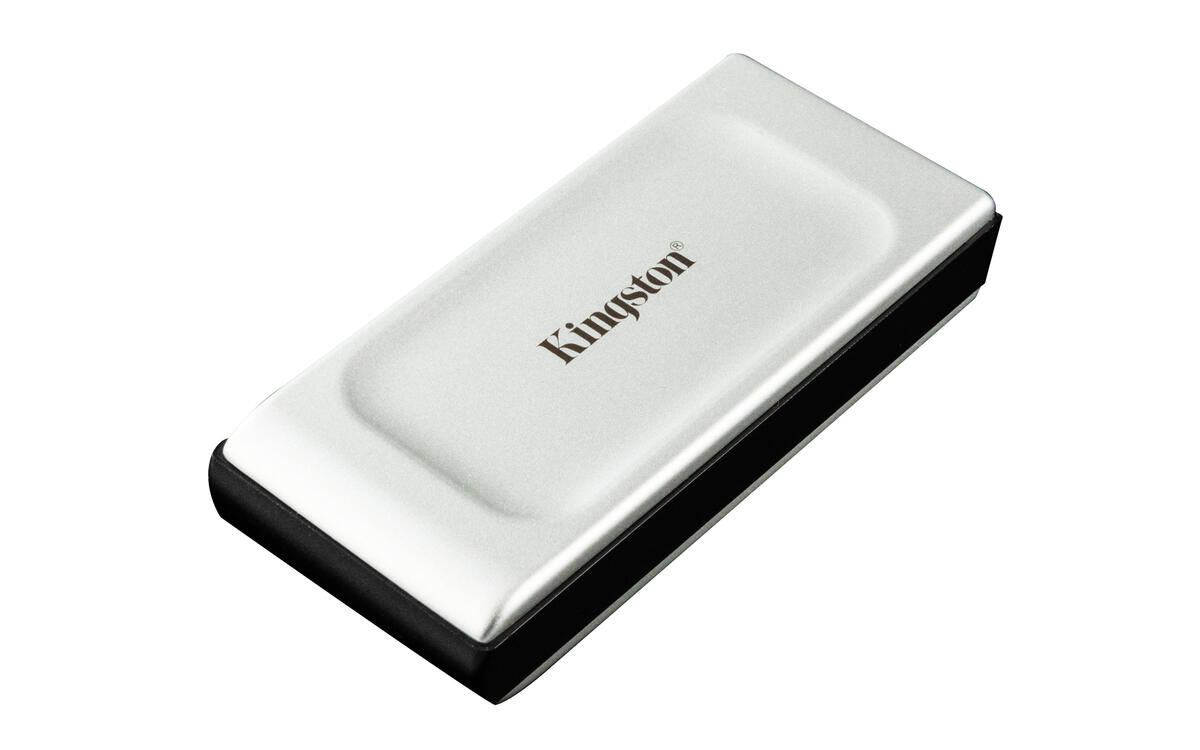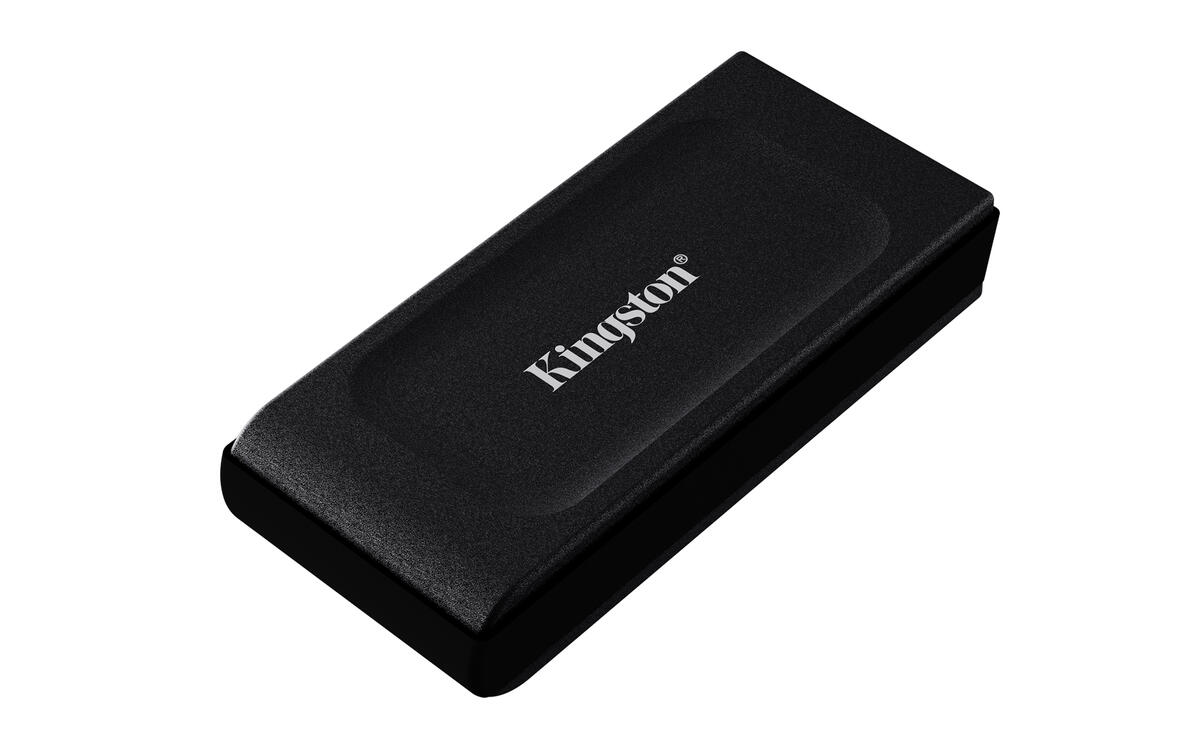
Photo of the black 1 TB XS1000. Check capacity, colour and included accessories with the seller.
PC / Computers · Storage
Not tested by JessKingston XS1000
A compact external USB 3.2 Gen 2 SSD.
- USB 3.2 Gen 2 external SSD
- Published capacities: 1 TB or 2 TB
Affiliate link · Opens an Amazon.ca search: check the exact model in the results.
Affiliate links: JessDeals may earn a commission on qualifying purchases at no additional cost to you. As an Amazon Associate I earn from qualifying purchases.
See photos and details at the source ↗Before choosing this model
Your needs first
First choose between an external drive and an internal installation. Keep multiple copies of important files regardless of the model.
The deciding check
A single external-drive copy does not protect against every type of loss. Confirm the exact model and included accessories in the Amazon listing.
Compatibility and setup
Details that change the choice
- Connection
- USB 3.2 Gen 2 external SSD. Check the available port, desired capacity and cable before comparing advertised speeds.
- What to prepare
- Kingston lists a cable and adapter for USB-A and USB-C connections. Confirm the package contents, especially for older packaging or a refurbished offer.
- Avoid mix-ups
- XS1000 and XS2000 are not the same model. A compatible connector does not make every port equally fast or confirm every console function.
XS1000 or T7 Shield: where should I start?
First compare the same capacity, supplied accessories and your available port. For a drive carried often, also examine the enclosure and manufacturer’s usage conditions; Jess has not performed durability testing.
Guidance based on manufacturer documentation checked on October 5, 2026. Also verify the variant being sold. Manufacturer documentation ↗
Other options to compare
Two SSDs for carrying files
Compare the exact capacity, cable and your backup process before advertised speeds.
Samsung T7 Shield 2 TB
To examine the Shield enclosure and documented usage conditions.
Compare these two models →Prepare your setup
Three useful checks
- Check the exact capacity and accessories in the listing.
- Check the available computer port and required cable.
- Plan a second copy of important files.
The right use
Who it is for
For carrying files or keeping an additional copy outside your computer. Choose capacity by adding up your folders and allowing room for the coming months.
Limitations to consider
Who should consider another option
One external drive is not enough as your only backup. Speed also depends on the port and cable; a USB-C connector does not guarantee a particular speed.
Editorial selection · Not tested by Jess · Feature sources are listed below.
View the specification source ↗