Organize your portable storage
Carrying files and keeping a backup are two needs to distinguish before choosing a drive.
Your selection method
Estimate the space your files use and what you will need in the coming months. Then choose the exact capacity of the offered variant.
Check your device ports and the included cables. Compare the product specifications rather than assuming every USB-C model behaves the same way.
Decide where to keep another copy of important files. Before deleting an original, open some copied files to check the transfer.
My pre-purchase checklist
This checklist stays on the page and resets when you reload it. No information is sent.
Explore the guide →Products to consider
Editorial collection: inclusion does not mean personal testing or a current promotion. Check the status, sources and limitations on each product page.
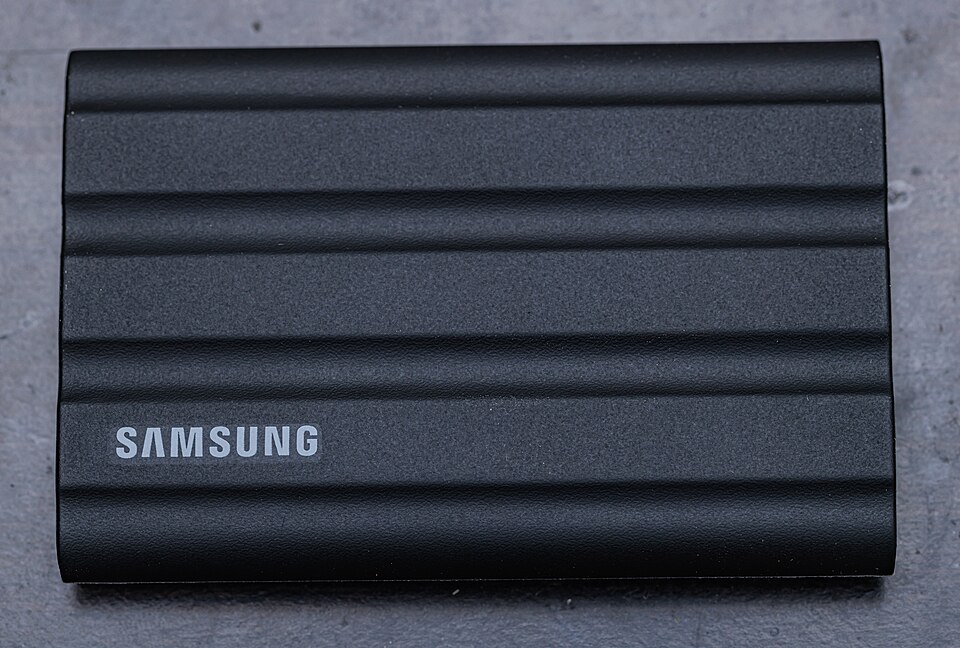
Samsung T7 Shield 2 TB
A 2 TB external SSD for moving files between compatible computers without opening the computer.
Not tested by JessAffiliate links: JessDeals may earn a commission on qualifying purchases at no additional cost to you. As an Amazon Associate I earn from qualifying purchases.